Registration Guide
How to Register
Follow these steps to complete your pre-registration. The document requirements differ for visitors and contractors — pick your role below.
For guests, meetings & official visitse.g. representatives from another company or a student visit.
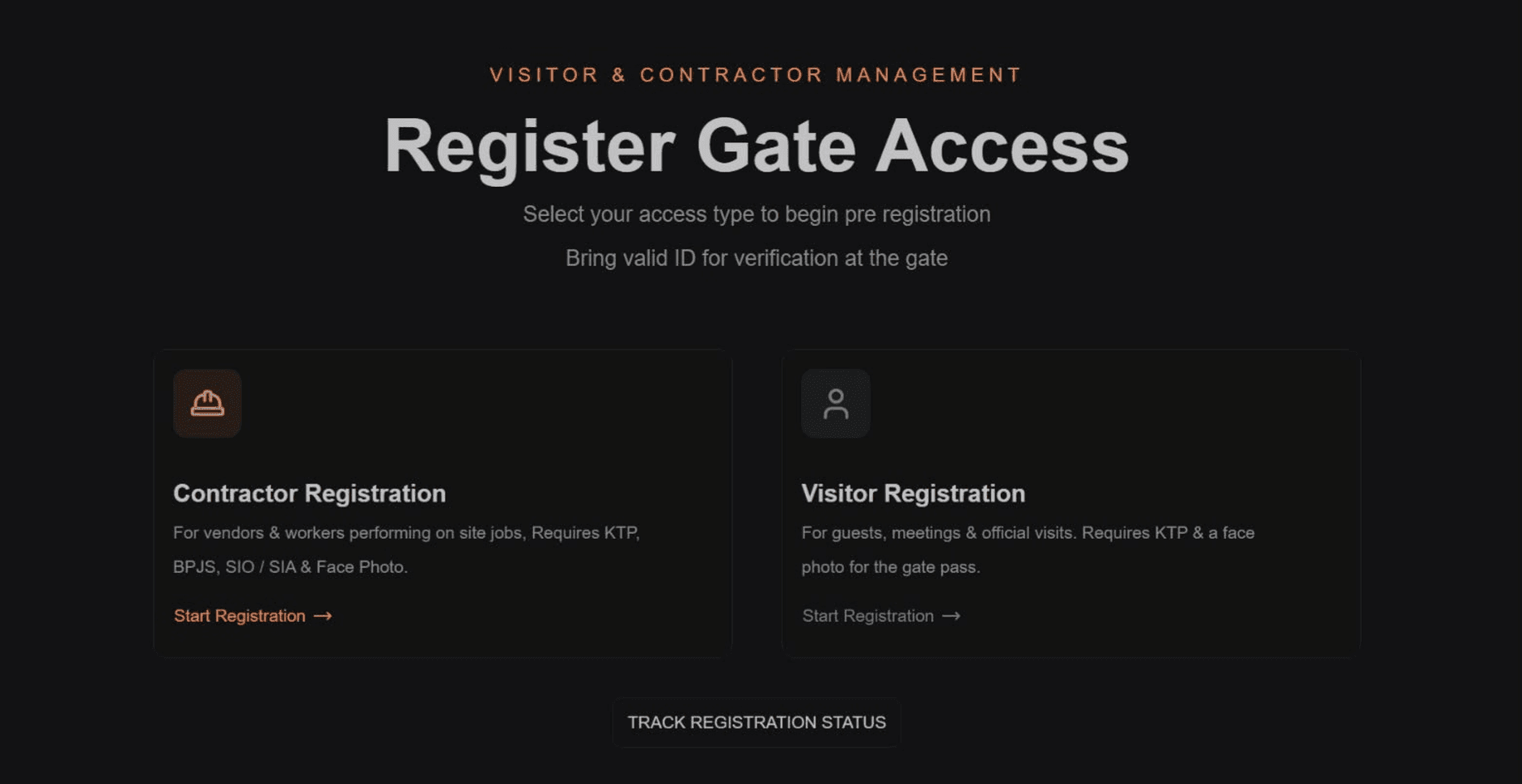
Select "Visitor Registration"
On the Register Gate Access page, choose Visitor to start the pre-registration form.
Fill in basic info
Enter your personal and company details.

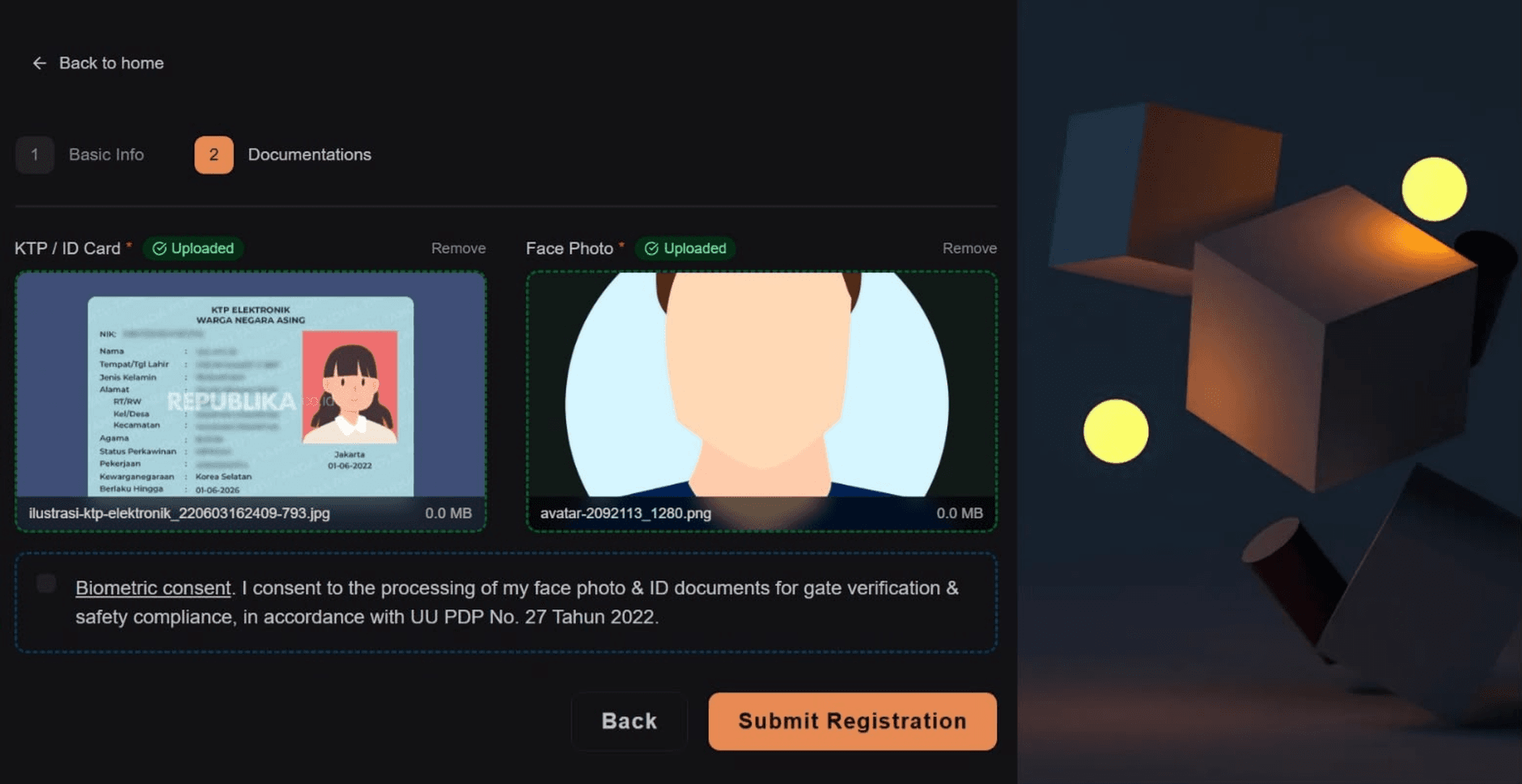
Upload required documents
Provide your ID and a face photo, then confirm the biometric consent checkbox.
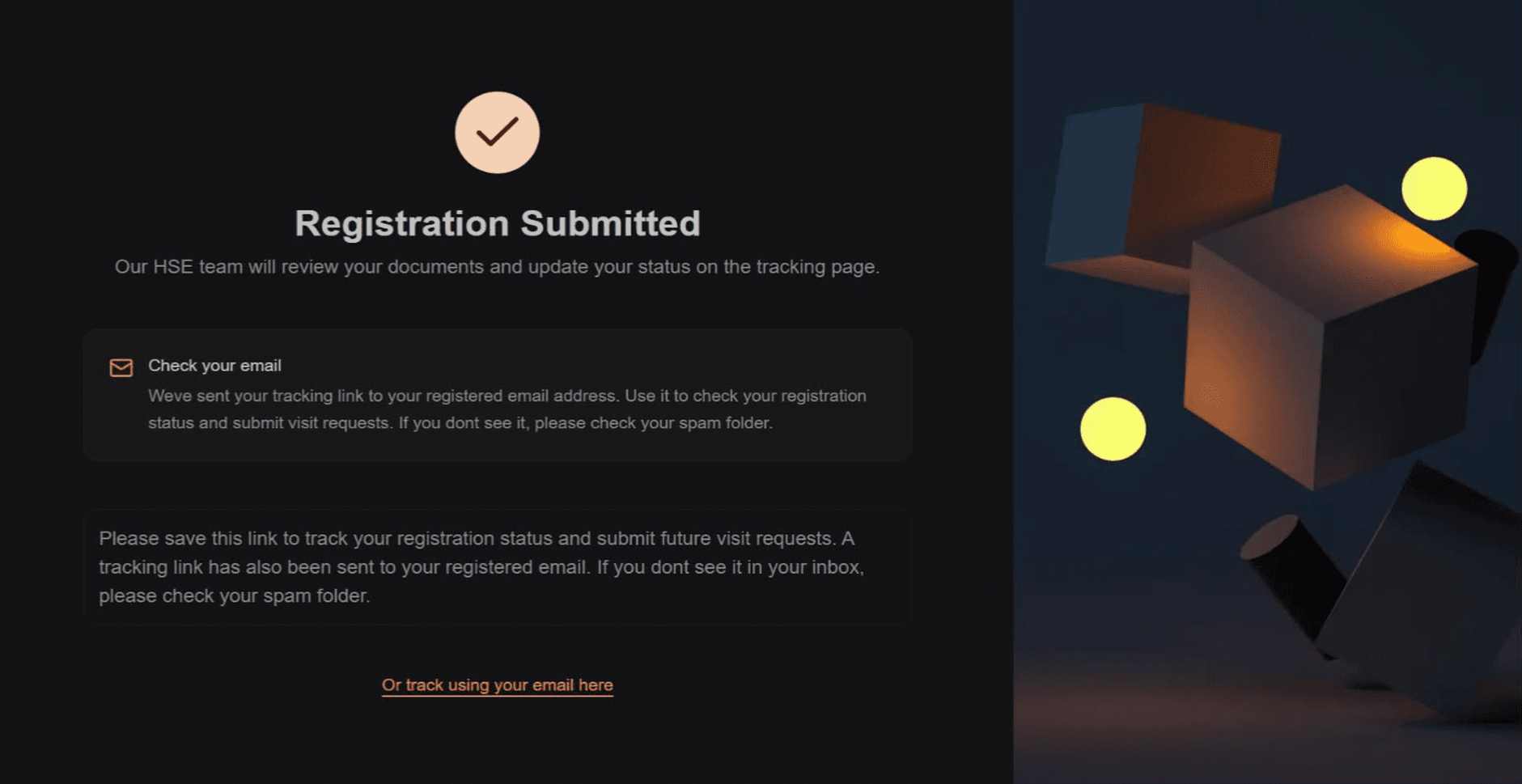
Registration submitted
You'll see a confirmation screen — the HSE team will review your documents next.
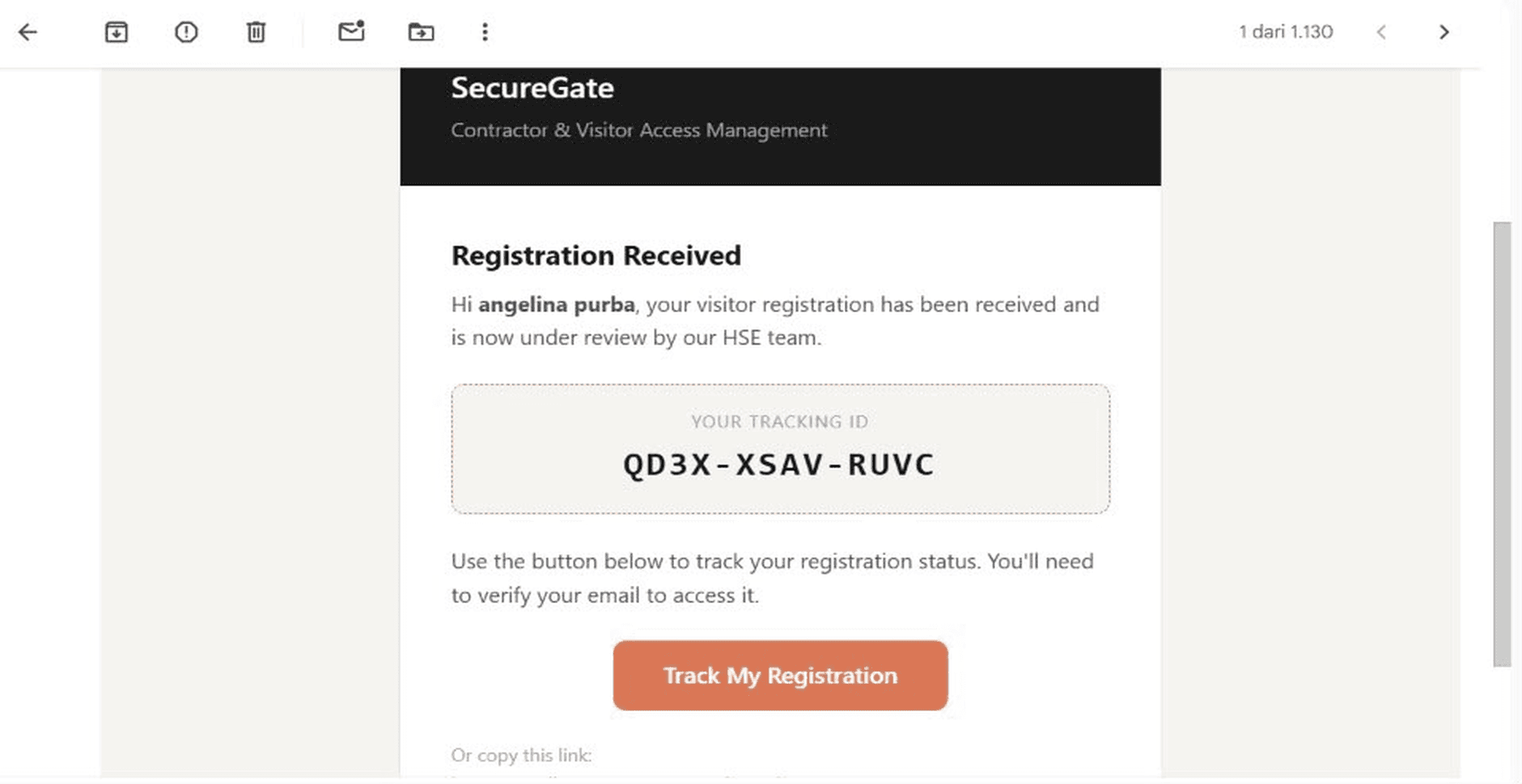
Check your email
A tracking ID and a "Track My Registration" link are sent to your email — save this to check your approval status later.
Track your status anytime
Go to the tracking page and enter your registered email to find your registration status.

Set Visit Time Preference
After your registration is approved by the HSE/HR Admin, you may set your preferred visit schedule by filling in the Reason for Visit, Start Window, and End Window.